Dashboard
The CoSky Dashboard is a modern single-page application built with React 19, TypeScript, Radix UI, and shadcn/ui (styled with Tailwind CSS 4). It provides a visual management interface for all CoSky capabilities: service monitoring, configuration management, service topology visualization, RBAC administration, user management, and audit log review. The dashboard is served directly by the REST API server as static assets and communicates with the backend exclusively through the CoSky REST API.
At a Glance
| Aspect | Detail | Key File | Source |
|---|---|---|---|
| Frontend app | React 19 SPA with Radix UI + shadcn/ui | dashboard/package.json | dashboard/package.json |
| SPA route serving | Serves index.html for all dashboard routes | DashboardConfiguration.kt | cosky-rest-api/.../DashboardConfiguration.kt:30 |
| API client | Auto-generated from OpenAPI spec | dashboard/src/generated/ | dashboard/package.json:12 |
Tech Stack
| Technology | Version | Purpose |
|---|---|---|
| React | 19.2.6 | UI framework (with React Compiler) |
| TypeScript | ~6.0.3 | Type-safe development |
| Vite | 8.0.16 | Build tool and dev server |
| Radix UI | 1.6.7 | Headless UI primitives |
| shadcn/ui | 4.18.0 | Vendored component pattern (src/components/ui/) |
| Tailwind CSS | 4.3.3 | Utility-first styling |
| lucide-react | 1.31.0 | Icon set |
| sonner | 2.0.8 | Toast notifications |
| React Router DOM | 7.15.1 | Client-side routing |
| @xyflow/react | 12.10.2 | Service topology visualization |
| Monaco Editor | 0.55.1 (via @monaco-editor/react 4.7.0) | Configuration text editor |
| @ahoo-wang/fetcher | 3.16.10 | HTTP client with CoSec auth |
| @ahoo-wang/fetcher-react | 3.16.10 | React hooks for API calls |
| @ahoo-wang/fetcher-cosec | 3.16.10 | CoSec token refresh integration |
| @ahoo-wang/fetcher-storage | 3.16.10 | Token storage |
| @ahoo-wang/fetcher-generator | 3.16.10 | OpenAPI code generation |
| Playwright | 1.62.1 | Unit and end-to-end UI testing |
Source: dashboard/package.json
DashboardConfiguration
DashboardConfiguration is a Spring @Controller that serves the SPA's index.html for all frontend routes. When the user navigates to any dashboard path, the server returns the same index.html file, and React Router handles client-side routing.
Mapped routes: /, /home, /config, /service, /namespace, /user, /role, /audit-log, /login.
Additionally, the legacy /dashboard/** path redirects (301 Moved Permanently) to /home for backward compatibility.
Source: cosky-rest-api/.../DashboardConfiguration.kt:30-78
Feature Gallery
Service Monitoring
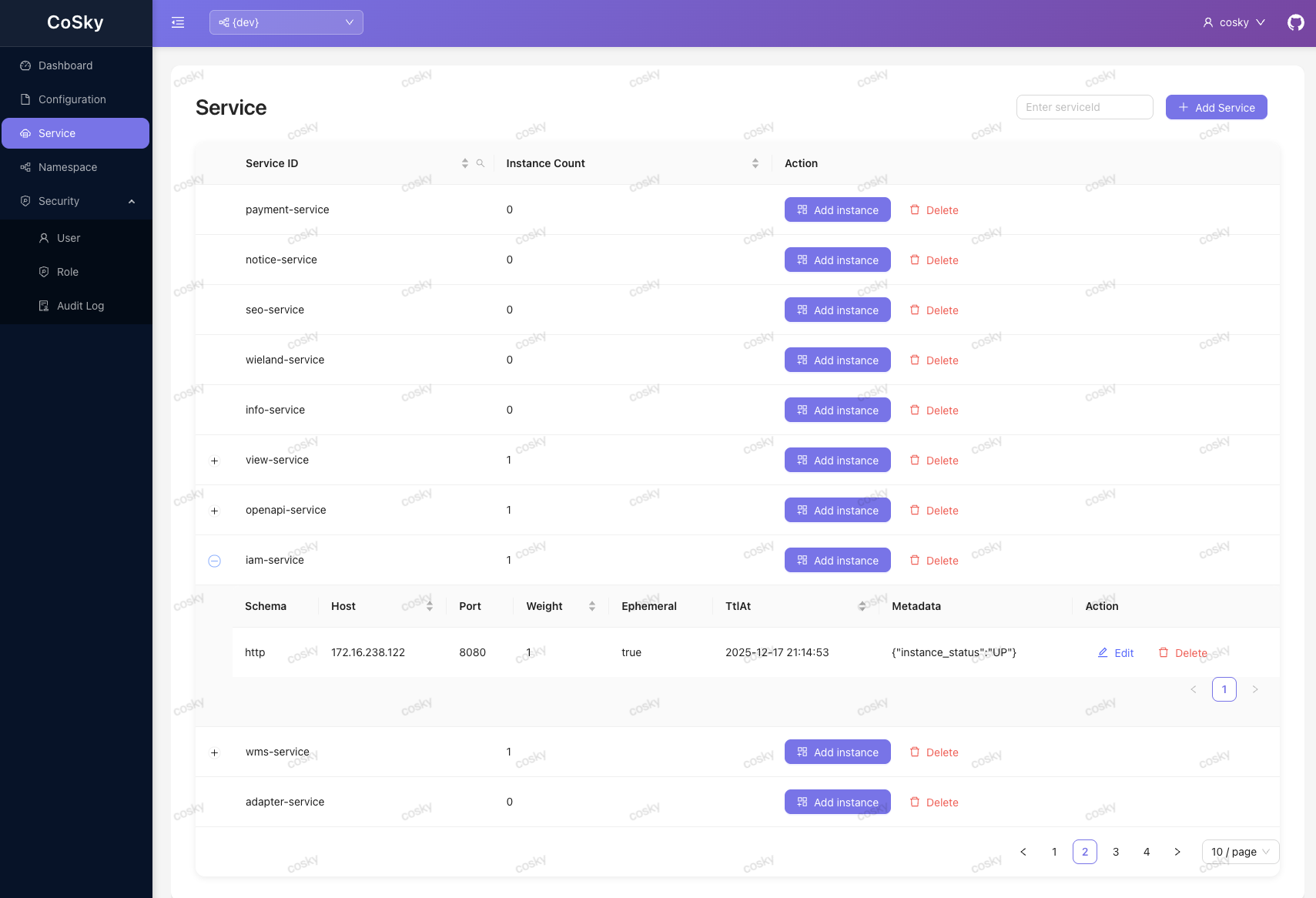
The service dashboard provides an overview of all registered services within the selected namespace, including instance counts and health status.
Configuration Management
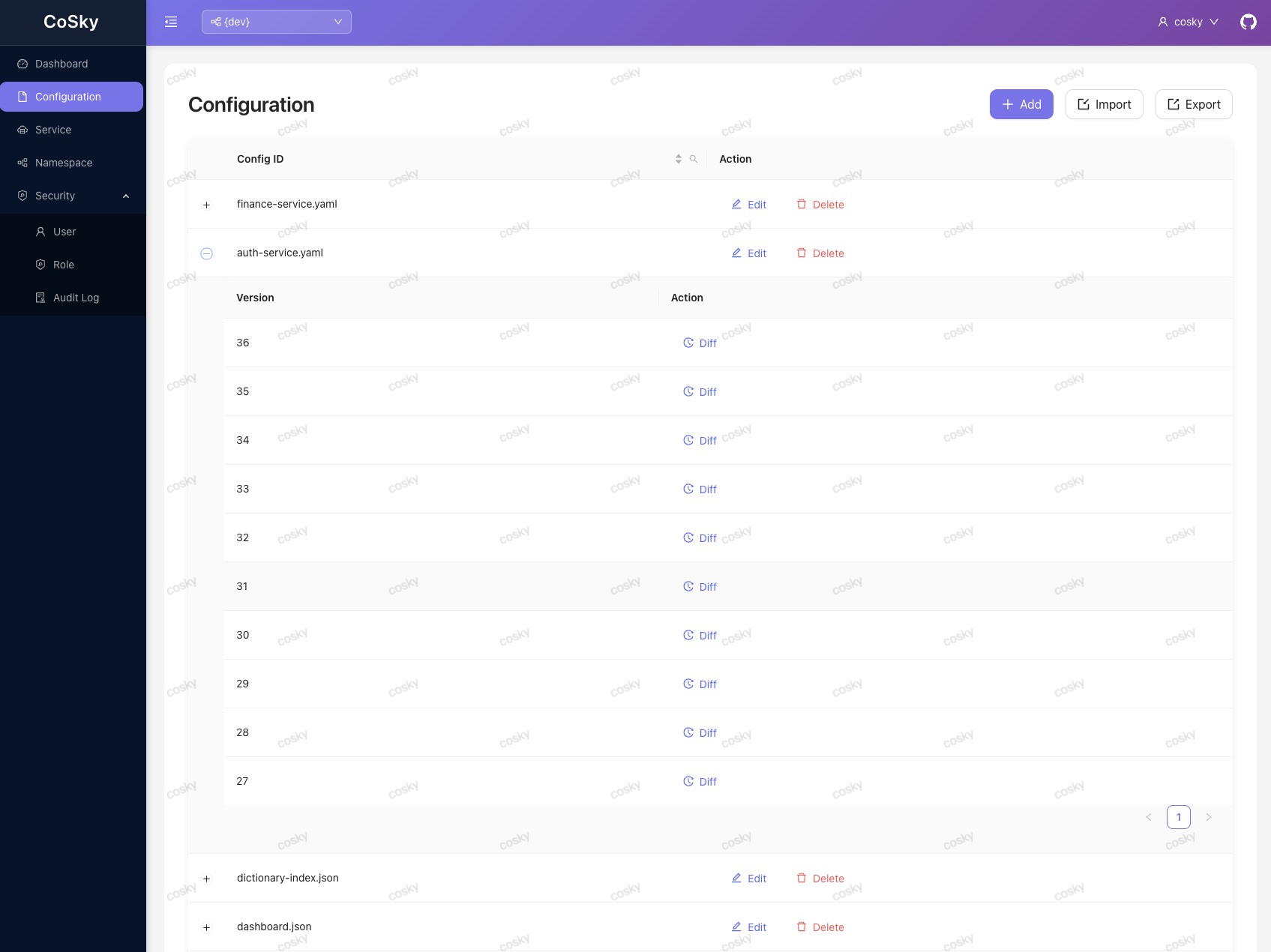
The configuration management page supports CRUD operations on configs, version history browsing, rollback, and bulk import/export via ZIP files. The Monaco Editor provides syntax highlighting for config content.
Service Topology
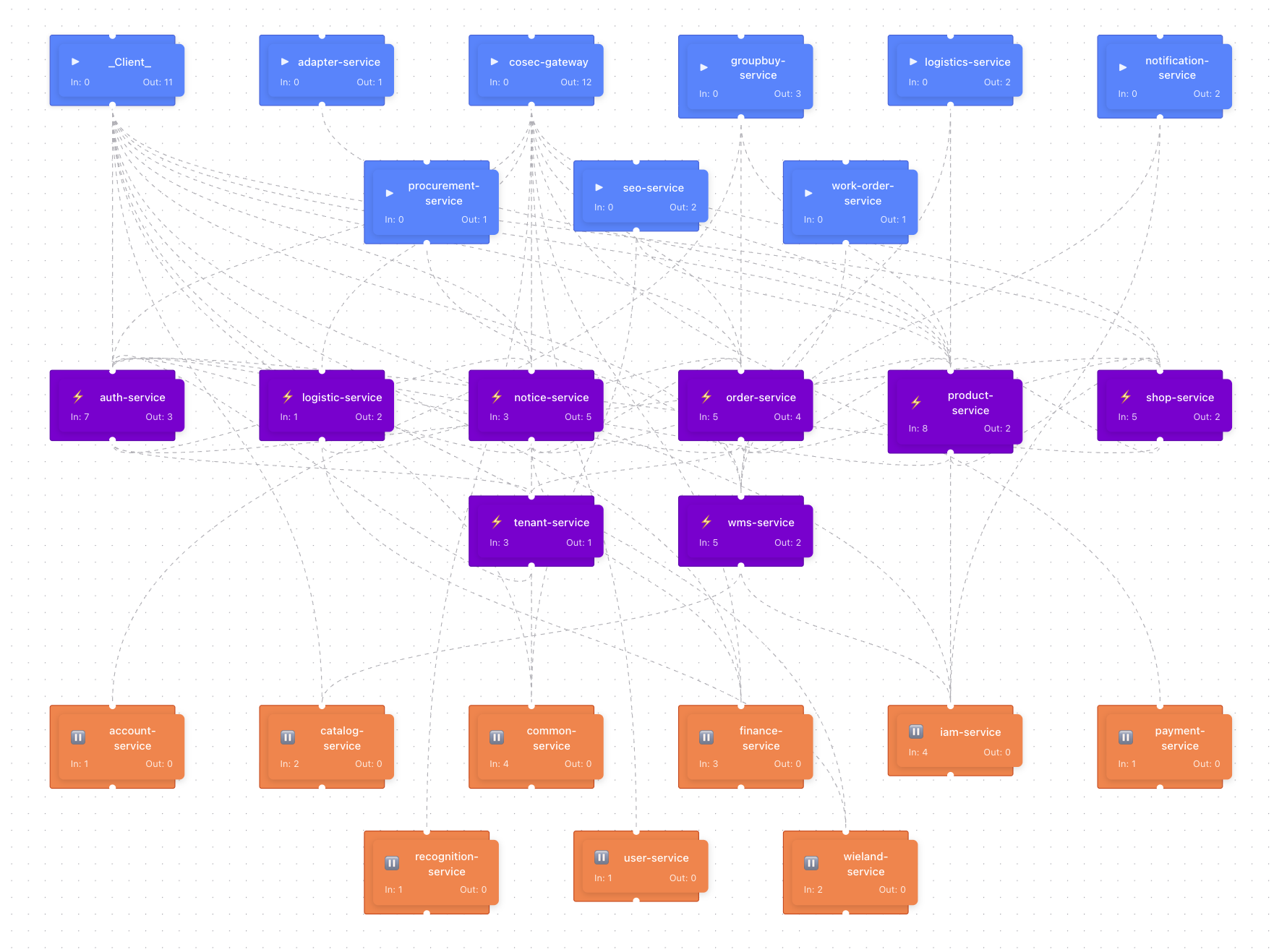
The topology view renders an interactive dependency graph of services using @xyflow/react, showing how services depend on each other within a namespace.
RBAC Management
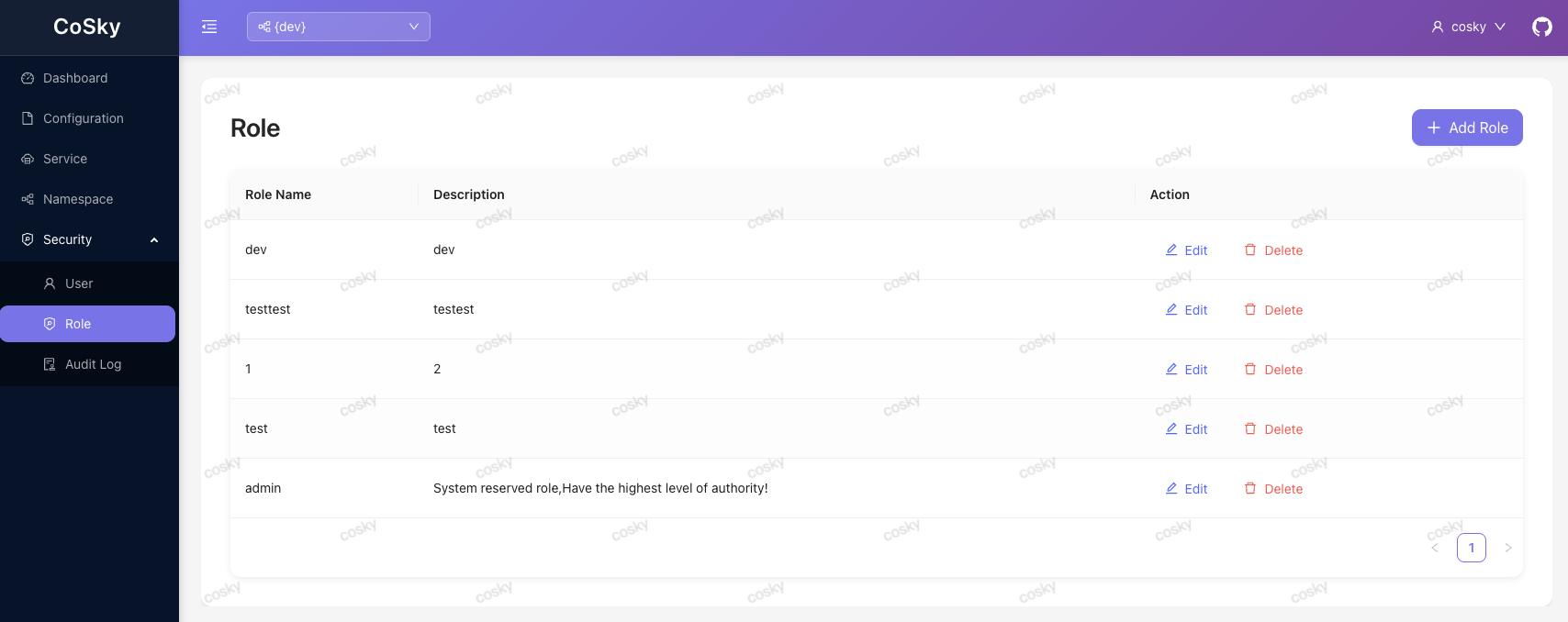
The role management page allows administrators to create roles and assign namespace-scoped permissions (READ, WRITE, or READ_WRITE) to each role.
User Management
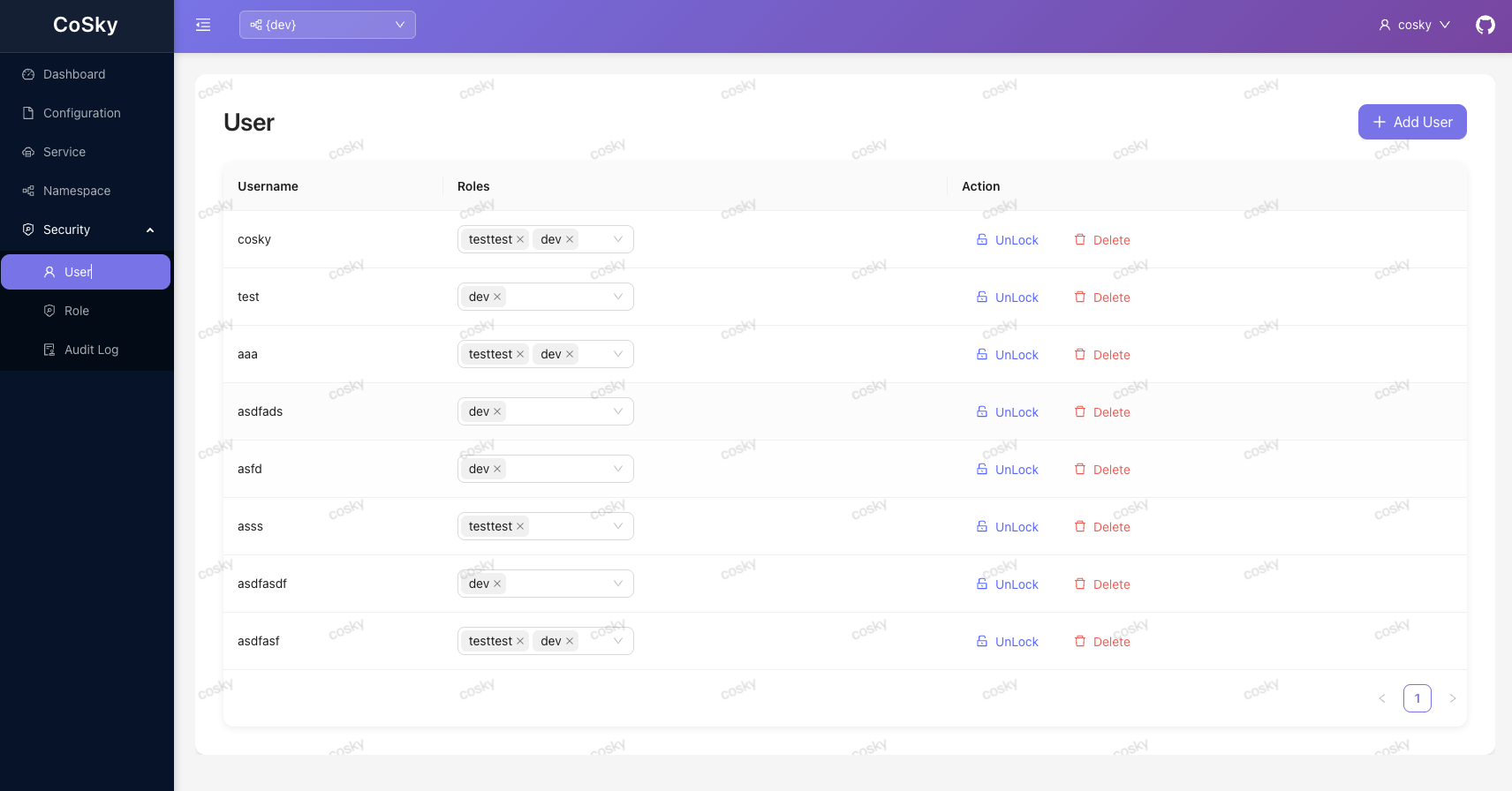
User management supports creating users, assigning roles, changing passwords, and locking/unlocking accounts. Each row shows a locked badge reflecting the account state returned by the API. A manually locked user can no longer sign in or refresh tokens until an administrator unlocks the account; the root user (cosky) cannot be locked. See Security & RBAC for the lockout semantics.
Audit Log
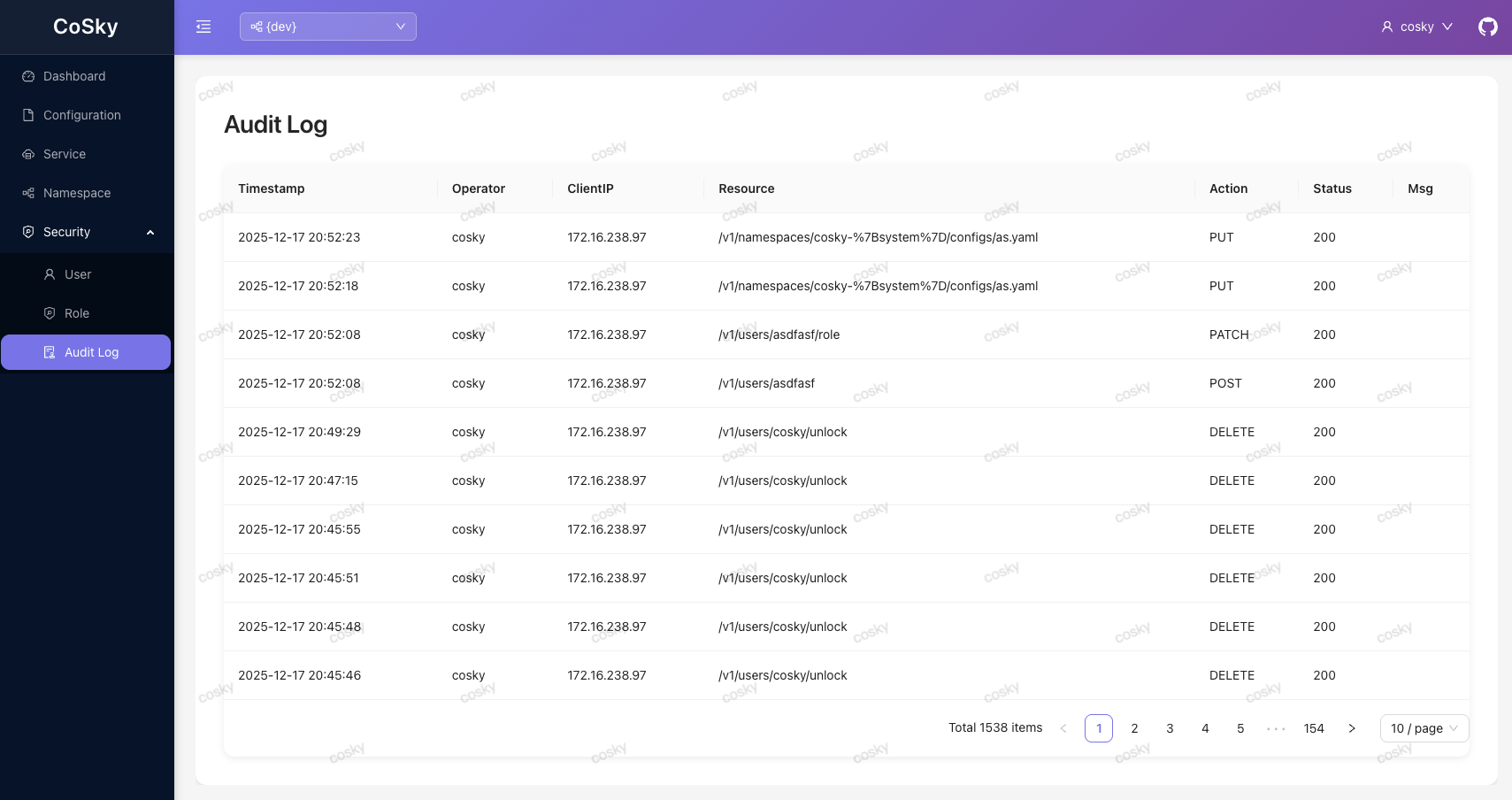
The audit log page displays a paginated list of all audited operations with operator, IP, resource, action, status, and timestamp columns, and can export the audit log as a CSV file (GET /v1/audit-log/export).
Navigation Search
The sidebar includes a keyboard-first navigation search. Press / anywhere outside an input field to focus it, filter pages by name or description, move with ArrowUp/ArrowDown, and jump with Enter.
Login
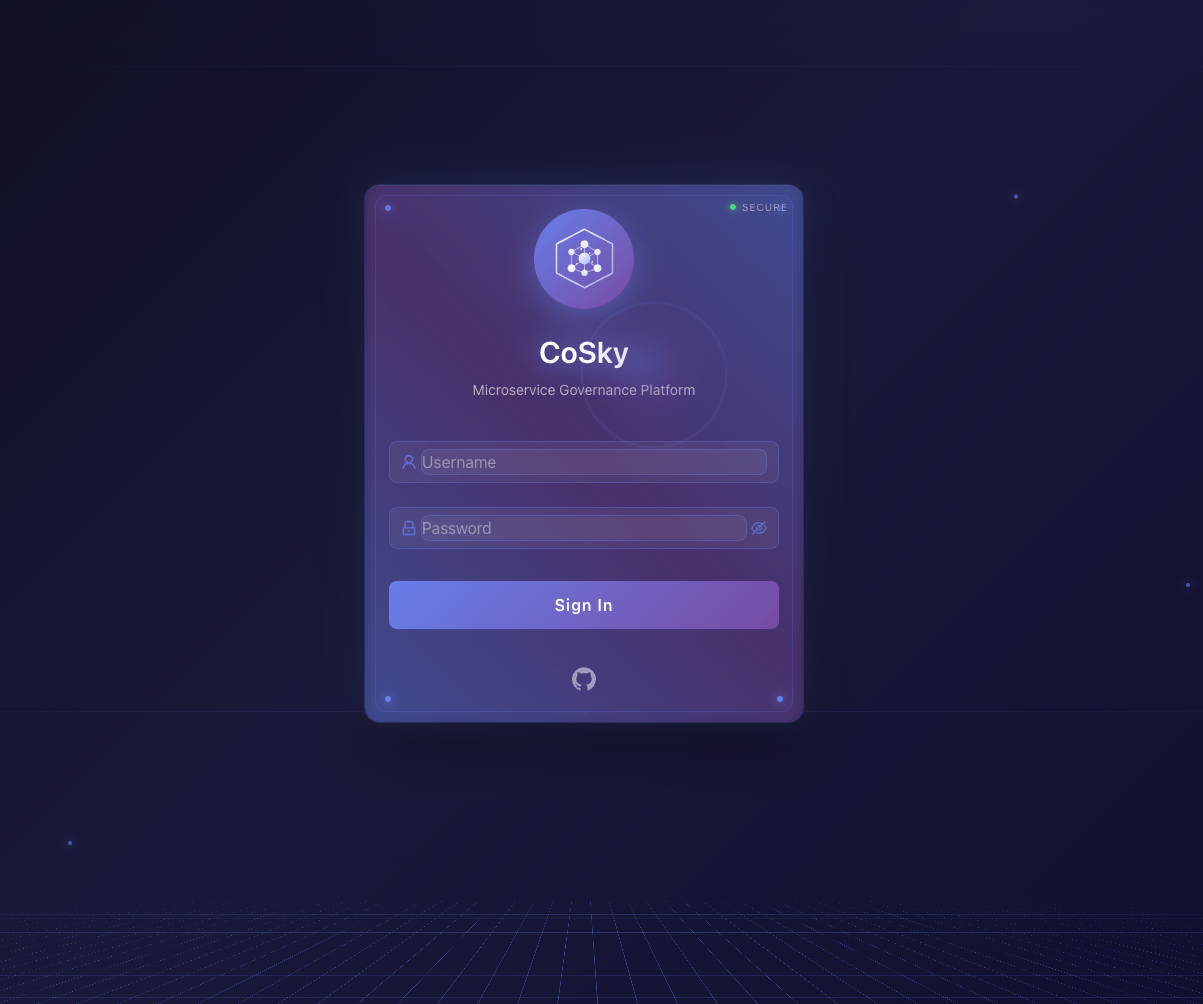
The login page authenticates users against the CoSky REST API and stores the JWT token pair in browser storage for subsequent requests.
Architecture
flowchart TD
    subgraph "Browser"
        SPA["CoSky Dashboard<br>React SPA"]
        TokenStore["Token Storage<br>(fetcher-storage)"]
    end

    subgraph "REST API Server"
        DashboardConfig["DashboardConfiguration<br>SPA route serving"]
        API["REST API Controllers<br>/v1/*"]
        Security["CoSec Security<br>JWT + RBAC"]
    end

    subgraph "Redis"
        UserRedis["User Index<br>cosky-{system}:user_idx"]
        ConfigRedis["Configs<br>Namespaced keys"]
        ServiceRedis["Services<br>Namespaced keys"]
        AuditRedis["Audit Log<br>cosky-{system}:audit:log"]
    end

    SPA -->|"HTML/JS/CSS"| DashboardConfig
    SPA -->|"API calls + Bearer token"| API
    SPA -->|"Token storage"| TokenStore
    API --> Security
    Security --> UserRedis
    API --> ConfigRedis
    API --> ServiceRedis
    API --> AuditRedis
Data Flow: API Client Generation
sequenceDiagram
    autonumber
    participant Dev as Developer
    participant Vite as Vite Dev Server
    participant API as REST API Server
    participant Generator as fetcher-generator
    participant Generated as src/generated/

    Dev->>API: Start server (OpenAPI at /v3/api-docs)
    Dev->>Vite: pnpm generate
    Vite->>Generator: fetcher-generator generate -i /v3/api-docs
    Generator->>API: GET /v3/api-docs
    API-->>Generator: OpenAPI 3.0 spec
    Generator-->>Generated: Type-safe API clients
    Note over Generated: ConfigApiClient, ServiceApiClient,<br>NamespaceApiClient, UserApiClient,<br>RoleApiClient, AuditLogApiClient,<br>StatApiClient, AuthenticateApiClient
    Dev->>Vite: pnpm dev
    Note over Vite: Hot-reloaded React SPA
Authentication Flow in Dashboard
flowchart LR
    subgraph "Dashboard"
        Login["Login Page"]
        SecProvider["SecurityProvider<br>(fetcher-react)"]
        FetcherCoSec["Fetcher CoSec<br>Token Refresh"]
        ProtectedRoute["ProtectedRoute"]
    end

    subgraph "REST API"
        AuthAPI["/v1/authenticate"]
    end

    Login -->|"username + password"| AuthAPI
    AuthAPI -->|"JWT access + refresh"| SecProvider
    SecProvider -->|"Attach Bearer token"| FetcherCoSec
    FetcherCoSec -->|"Auto-refresh on 401"| AuthAPI
    SecProvider -->|"Auth state"| ProtectedRoute
    ProtectedRoute -->|"Render pages"| Pages["Config / Service /<br>Namespace / User /<br>Role / Audit"]
Related Pages
- REST API Server -- API endpoints consumed by the dashboard
- Security & RBAC -- Authentication and authorization details